The messages section will display all your messages that your Propeller account has received by other users on Propeller. Your total number of messages are displayed in the top corner.
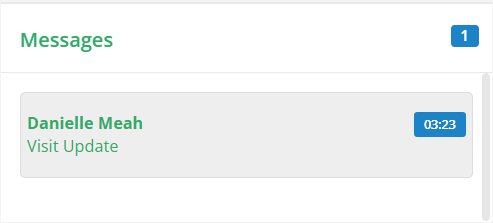
The message is summarised with the sender, and the subject of the message. Clicking on the message will provide a preview of what has been sent.
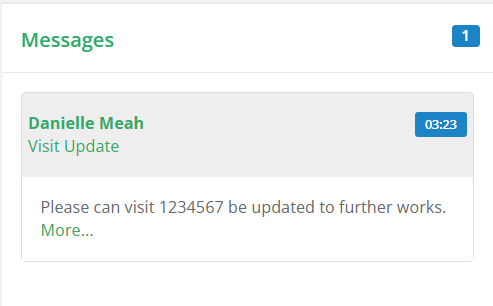
By selecting More, you will be navigated to the Messages page where you can view the full message.
More on messaging in Propeller can be found here.
Was this article helpful?
That’s Great!
Thank you for your feedback
Sorry! We couldn't be helpful
Thank you for your feedback
Feedback sent
We appreciate your effort and will try to fix the article