To configure your company's postal settings, navigate to Settings > Company Settings > Postal Settings.
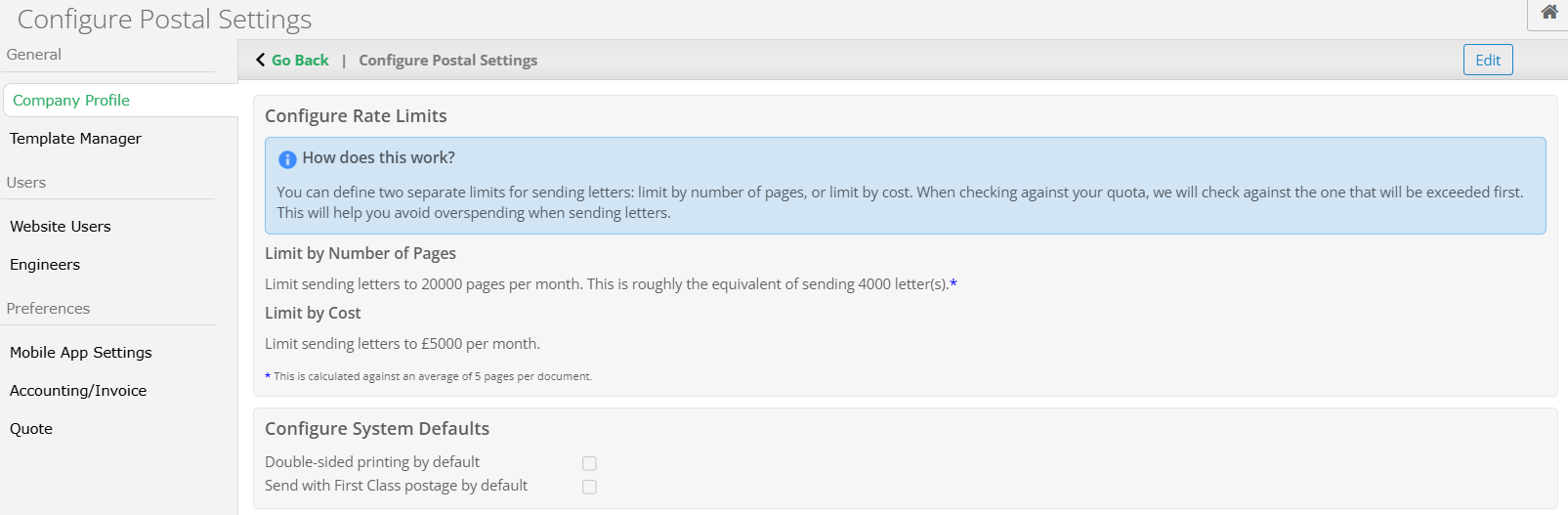
Select the Edit button in the top right.
_____________________________________________________________________________________________________________________________________
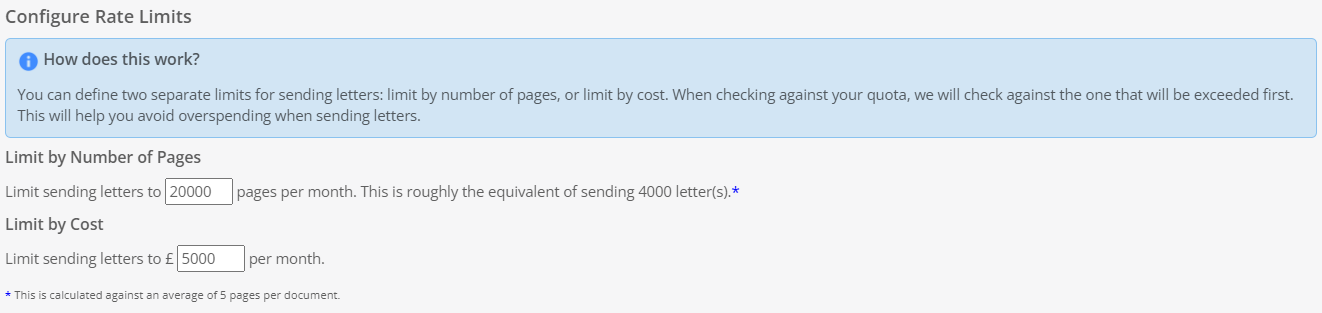
Configure Rate Limits
Here you can cap the number of pages that are sent out a month, as well as the spending limit on posting letters. Letters will stop sending out depending on whichever option is breeched first so your company does not exceed either limit.
_____________________________________________________________________________________________________________________________________
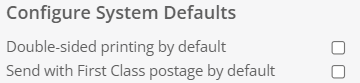
Configure System Defaults
This allows you to set the default of the format of the letters as well as their postage. When these options are not ticked, letters will send one sided and will be posted via Second Class. Alternatively, this section allows you to toggle whether letters are sent double sided and/or sent by First Class.
Once you have set up Postal with the desired settings, select Update.
_____________________________________________________________________________________________________________________________________
Postal Settings History
Here you can monitor and audit any changes made to the Postal settings. The date of the change, the user and what changes have been made are all recorded.

Was this article helpful?
That’s Great!
Thank you for your feedback
Sorry! We couldn't be helpful
Thank you for your feedback
Feedback sent
We appreciate your effort and will try to fix the article